 Back to all Blogs
How to Implement Field Service Management Software
Field service management software offers your trade or service business a clear pathway to improved efficiency, reduced manual admin, and elevated customer satisfaction.
Yet, moving from spreadsheets, paper-based workflows, or outdated systems to a connected digital platform can feel daunting. This guide walks you through the key steps to implement FSM software smoothly, ensuring your team is ready, systems are aligned, and the benefits are fully realised.
What is field service management software and why implement it?
Field service management software is a comprehensive digital platform designed to manage, schedule, dispatch, track, and invoice jobs undertaken by field-based teams.
For trade businesses like plumbing, HVAC, electrical, or facilities management, it centralises operations, including job management, technician scheduling, mobile reporting, stock control, and customer communications into one connected system.
With FSM software, you gain real-time visibility into all jobs, keep field and office teams synchronised, automate repetitive tasks, and improve first-time fix rates. This leads to faster service delivery, fewer errors, and happier customers, all crucial in a competitive landscape where operational agility and customer experience are paramount.
Step 1: Build your implementation team
A successful FSM rollout begins with assembling a cross-functional implementation team representing leaders, office staff, field supervisors, and technicians. Their combined insights help identify current pain points, operational needs, and minimum viable workflows for the chosen software.
Starting this team 4-6 weeks before go-live allows ample time for planning, training coordination, data preparation, and addressing integration requirements. Including those who will use the software daily builds ownership, helps spot gaps early, and accelerates buy-in across the business.
Step 2: Map and audit
Before launching FSM software, take stock of your existing systems, processes, and data flows. Document what software tools you currently use for scheduling, CRM, invoicing, or inventory management and note any redundancies, manual workarounds, or disconnected data entry points.
By mapping your workflows early, you can quickly see where things slow down, such as entering the same data twice or relying on disconnected systems. Agreeing on clear processes for quoting, job details, changes, and communication helps everything run more smoothly once automation is introduced.
Step 3: Choose the right FSM software
With many FSM options available, selecting a platform that fits your business’s unique needs is critical. Key factors to consider include:
- Feature set: Scheduling/dispatch, mobile access, inventory control, invoicing, reporting, and customer communication
- Integration capabilities: Seamless connections with your accounting software, CRM, payroll, and third-party tools
- Usability: Intuitive interfaces for both field technicians and office staff reduce disruption and speed adoption
- Scalability: Modular design allows use of essential features now with capacity to grow as your business expands
- Support and Training: Access to ongoing vendor support and tailored onboarding resources eases transition
Understanding total cost of ownership, including user licences, setup fees, and potential customisation, ensures budgeting accuracy and ROI clarity.
Step 4: Plan your timeline
A realistic timeline helps keep the implementation on track, covering software setup, data migration, pilot testing, team training, and the final rollout. It sets clear expectations and reduces the risk of rushing important stages.
- Small teams often benefit from more hands-on vendor-led training and virtual sessions.
- Larger teams might require a blended approach with self-paced modules and role-specific tracks for office and field users.
Planning training alongside workflow changes helps everyone see how the FSM software will make their work easier and more efficient.
Step 5: Train your teams and test
Training is critical to success. Focus initially on core FSM features: job scheduling, updating appointments, capturing job status, and invoicing. Hands-on sessions, mobile tutorials, and accessible help materials build confidence.
You should pilot your FSM software with a handful of users to identify issues, validate workflows, and gather feedback for improvements. This also serves as a practical training opportunity for early adopters who can champion the platform post-rollout.
Step 6: Migrate data
Before going live, ensure your customer, job history, and inventory data is cleaned and migrated accurately to the FSM system. Confirm integrations between FSM and your accounting, CRM, and payroll software are fully operational to prevent duplicate data entry or information gaps.
Unified data flows reduce errors, improve reporting accuracy, and help teams work from one source of truth, reducing frustration and delays.
Step 7: Launch your FSM software
After launch, closely monitor how the software is used and collect user feedback regularly. Schedule follow-up training sessions and Q&A drop-ins to help embed new ways of working.
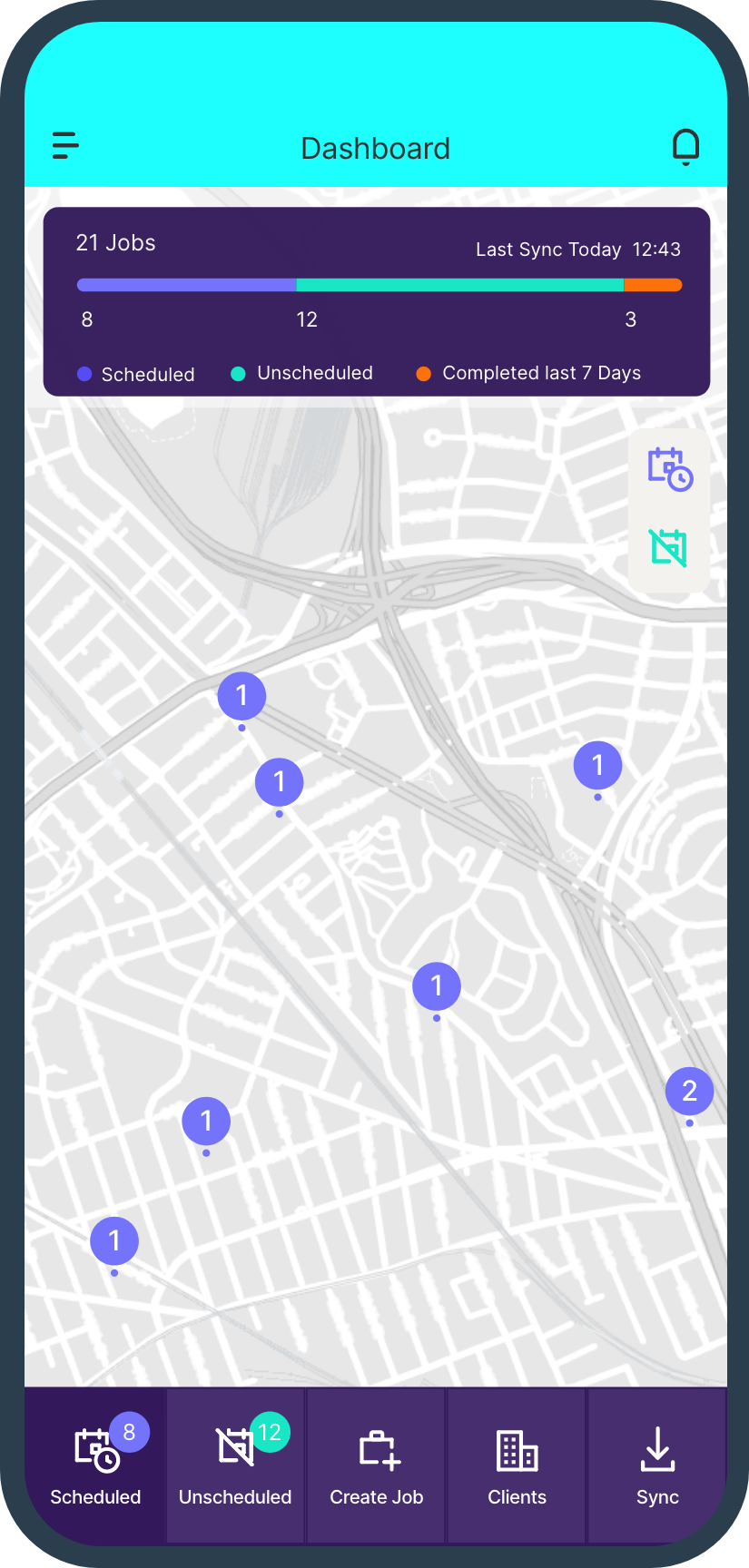
Use FSM dashboards and analytics to track KPIs such as first-time fix rates, job completion times, customer satisfaction, and invoicing cycle duration. Refine processes and workflows iteratively to maximise return on investment and operational efficiency gains.
Common challenges and how to overcome them
Introducing FSM software can come with a few bumps along the way. Teams may be hesitant to change how they work, data may need cleaning up, or integrations might take longer than expected. Clear communication, steady change management, and rolling the system out in stages can make the transition much smoother.
Choosing an FSM platform that is mobile-friendly and easy for technicians to use also makes a big difference. When the system feels intuitive, adoption improves and training takes less time. Working with a vendor that offers strong support and flexible setup options helps ensure the software continues to fit your business as it grows.
Bringing everything together with Klipboard
Moving to FSM software is a journey, but when it’s done well, the benefits are long lasting. Day-to-day operations run more smoothly, resources are easier to manage, and customers receive a more consistent service. Klipboard is built to bring field service, scheduling, invoicing, stock, and reporting into one connected platform that grows alongside your business.
By keeping setup straightforward, using intuitive tools, and integrating with the systems you already rely on, Klipboard helps reduce admin and gives teams better control over their work. With everything connected, decisions are clearer and scaling feels far less complicated.
Book a demo with Klipboard to see how a connected approach to field service management can support your trade or service business and help you grow with confidence.